
Notification Channels
On this page
A notification channel is a single delivery endpoint inside a notification group. Each channel targets one service — an email inbox, a Telegram bot, a Slack workspace, or any other Apprise-supported destination.
DataTalk uses the open-source Apprise library to deliver notifications. Apprise supports 100+ notification services and represents every connection as a single URL string. Any valid Apprise URL works as a channel target without additional plugins.
Channel fields
Name — a label that identifies this channel within the group, for example Production Manager Email or Maintenance Telegram.
Type — the notification service to use.
URL — the Apprise URL encoding the connection details for this service. The format varies by service type; see the per-service sections below.
User Groups — the user groups whose members receive this notification.
Users — individual user accounts associated with this notification channel.
USB / Integrated SMS Modem
DataTalk allows you to use your own LTE USB modem, so you can keep your device away from an internet connection and still receive SMS notifications. To set up the modem, follow the video below.
You need to supply DataTalk Manager modem settings with the AT COM PORT, which can be found under Device Manager in Windows.
Currently supported modem: TELTONIKA TRM250. Any modern modem with standard AT commands may work, though this is not guaranteed.
The {phone} placeholder in the notification URL is automatically replaced by the phone number of the assigned user.
If SMS messages are not being sent on Linux, check whether another service (such as ModemManager, installed by default on graphical Ubuntu) is locking the modem port and blocking DataTalk from using it.
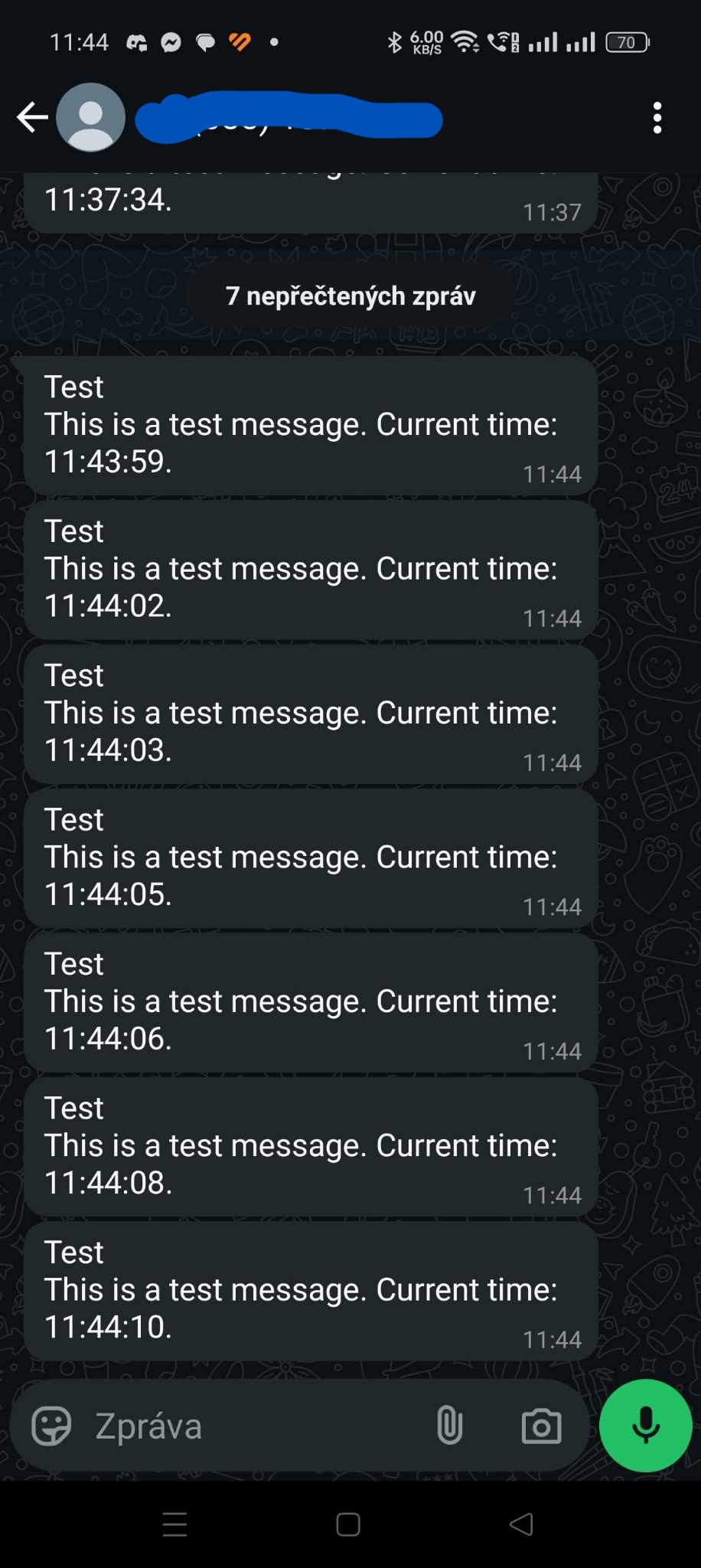
To start with WhatsApp notifications, you must have a Meta Business account and complete the META business setup. At the end of the process, you will reach the WhatsApp API setup, which gives you a test phone number for testing purposes and generates a unique access token.
Use that token to build the notification URL:
whatsapp://{token}@{from_phone_id}/{targets}Replace {token} with your access token, {from_phone_id} with the phone number ID from Meta, and {targets} with the destination phone number(s).
WhatsApp Business API charges per message according to Meta’s pricing. Review pricing before deploying to production.
Discord
Discord allows you to send notifications directly to a channel. Nothing special is required — you only need to create a webhook in the Discord channel settings and copy the webhook URL, as shown in the video below. Discord notifications are free.
Telegram
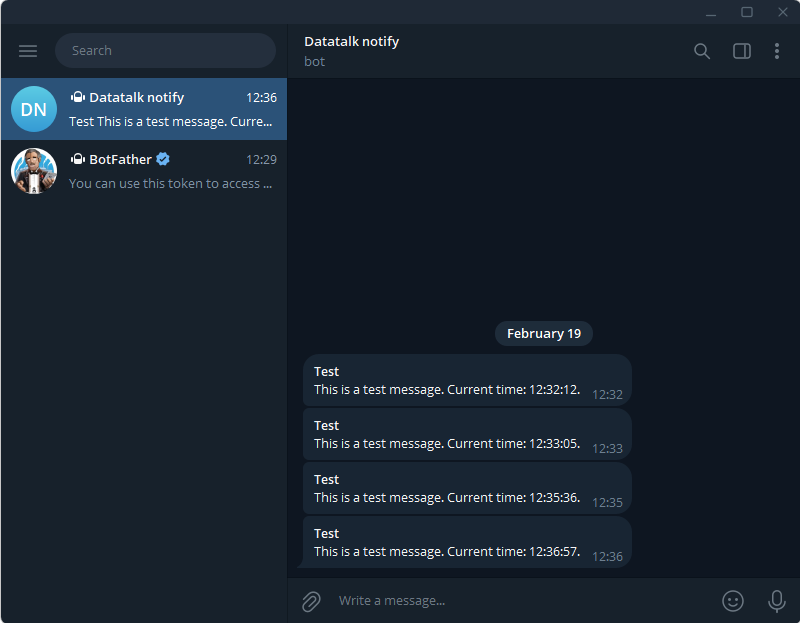
Telegram notifications are free. All you need to do is create a bot using @BotFather, which guides you through the bot creation process and issues a bot token. Then obtain the chat ID of the target conversation.
tgram://bot_token/chat_idReplace bot_token with the token from @BotFather and chat_id with the numeric ID of the target conversation or group. The chat ID can be found using this tutorial.
Email (SMTP)
DataTalk can send simple email notifications to your SMTP server for free. All you need is your SMTP server settings:
mailtos://{smtp_server}:{port}?user={user_email}&pass={password}&smtp={smtp_server}&from={user_email}&to={recipient_email}&mode=sslFill in all placeholders with your actual SMTP server and account details.

If you use Gmail with 2-Step Verification enabled, generate an App Password in your Google Account security settings and use that instead of your regular Google password.
SMS
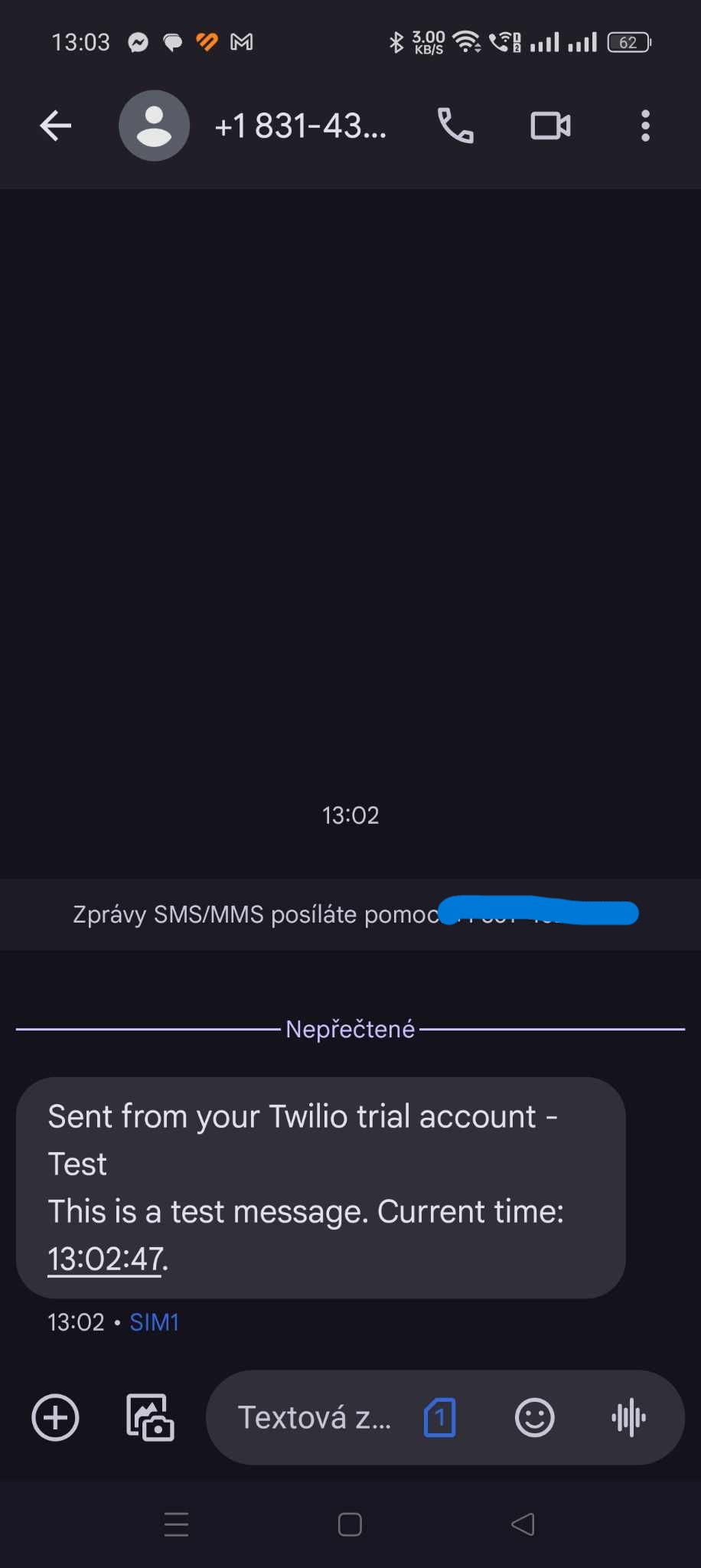
DataTalk can send SMS notifications through an internet-based SMS gateway. Pricing is per message according to your provider.
Supported providers:
SMS Manager — Czech distributor, can be paid in CZK.
Twilio — global provider, offers a free trial to test notifications.
Other providers — any provider supported by Apprise.
Twilio example URL:
twilio://{account_sid}:{auth_token}@{from_phone_number}/{to_phone_number}Replace all placeholders with values from your Twilio console: Account SID, Auth Token, your Twilio sender number, and the destination number.
ntfy
ntfy is a free, self-hostable push notification service.
ntfy://topicname/For a self-hosted ntfy server, include the hostname: ntfy://your-server.example.com/topicname/.
Slack
Create an incoming webhook in your Slack workspace under Apps → Incoming Webhooks, copy the generated URL, and paste it directly into the URL field. Apprise accepts the native Slack webhook URL without reformatting.
Other supported services
Yes, there are many more notification methods available through Apprise.