
API Tokens
On this page
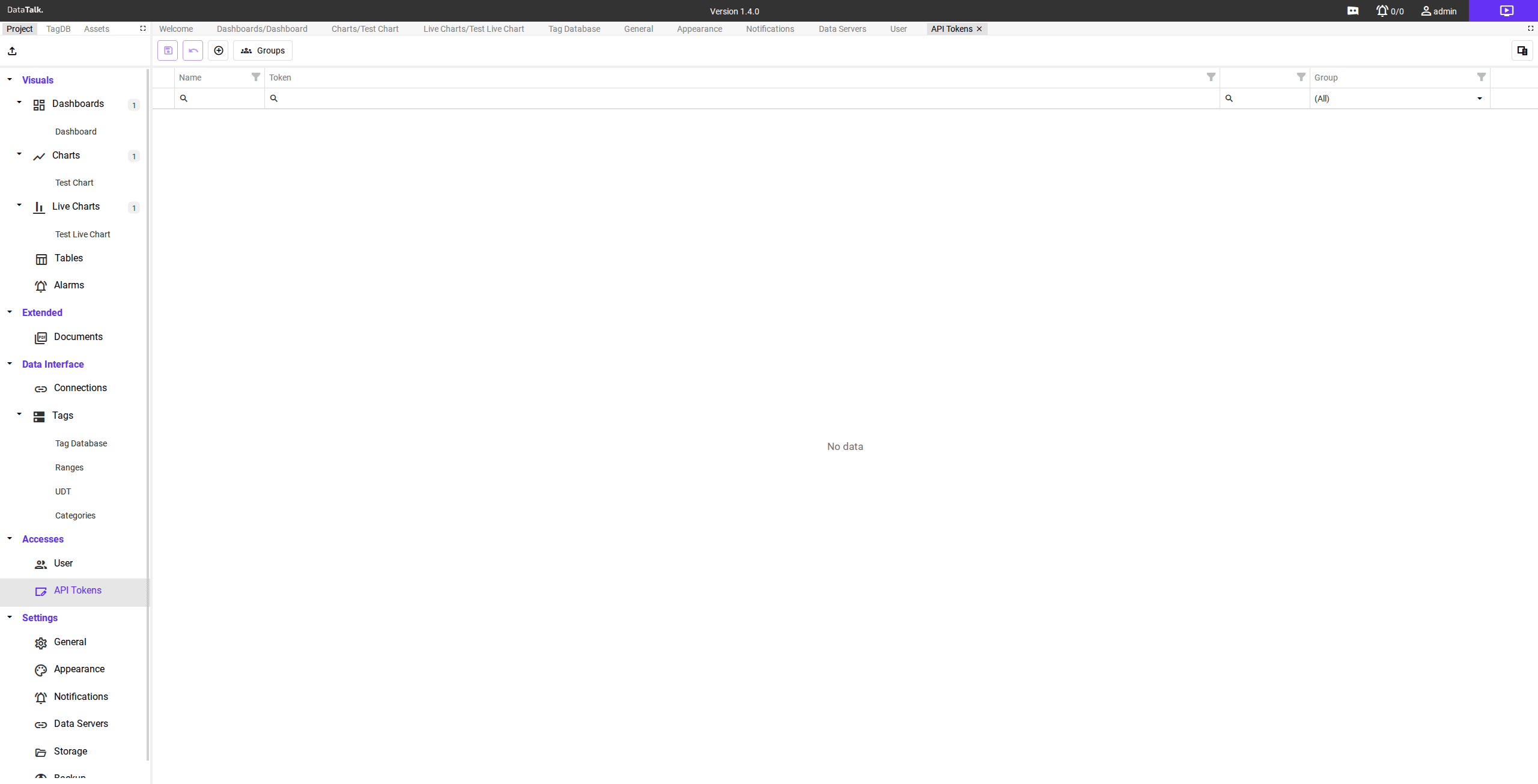
The API Tokens page generates bearer tokens for programmatic access to the DataTalk REST API. Tokens allow external systems, scripts, and integrations to read alarm data, query tag values, and interact with the project without using a personal user account’s credentials.
What API tokens are for
API tokens are intended for machine-to-machine access — automated scripts, integration middleware, monitoring dashboards, or any application that needs to communicate with the system programmatically. Using a dedicated token rather than a user password means:
Credentials stay separate — interactive user accounts and automated processes use independent credentials.
Tokens can be revoked independently — disabling a token does not affect user accounts or other integrations.
Each integration has its own identity — different external systems can each hold their own token with its own lifecycle.
Token grid
The token grid displays all active API tokens with the following columns:
Name — a descriptive label identifying which integration or system uses this token.
Token — the bearer token value, masked for security. The full value is only shown immediately after creation.
Group — the user group this token is associated with. The token inherits the access permissions of that group.
Groups section
The Groups section lists the user groups available for token assignment. Assigning a token to a group controls what data and operations that token can access through the API, matching the permissions defined for the group in Accesses → Users.
Creating a token
Navigate to Accesses → API Tokens.
Click Add to open the token creation form. Enter a descriptive name that identifies the integration this token is for.
Select the group whose permissions the token should inherit.
Click Save. Copy the token value immediately — it is only shown in full at the moment of creation. Store it securely in the system that will use it.
API tokens grant access to the system without a login prompt. Treat them like passwords — do not commit them to source control, do not share them across unrelated integrations, and revoke any token that may have been exposed by deleting it from this page.