
Categories
On this page
Categories are logical grouping labels that you assign to tags. When a project grows to hundreds of tags, finding the right ones quickly becomes difficult. Categories let you filter the Tag Database, alarm panels, and other views to show only the tags that belong to a chosen topic or area.
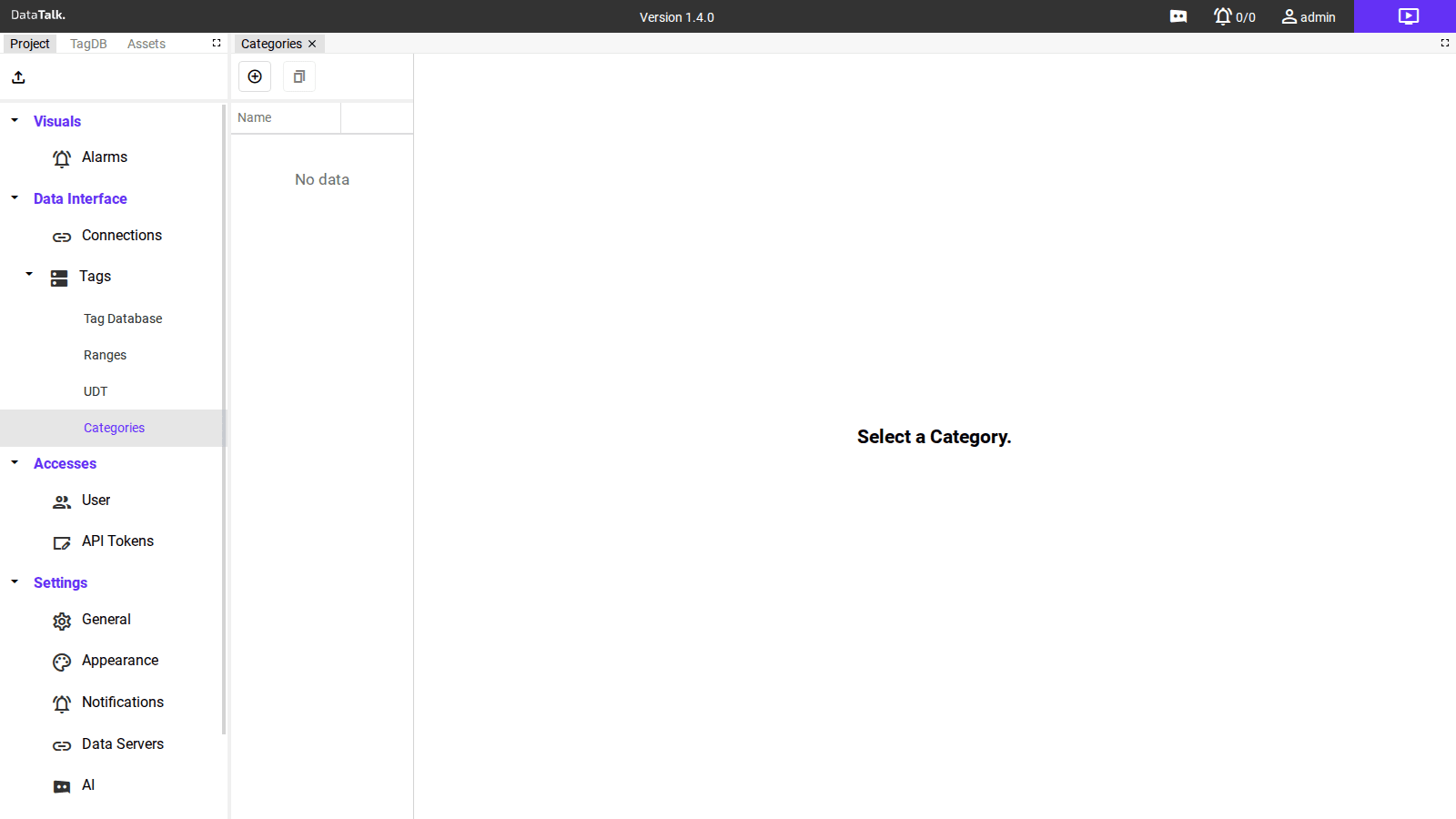
The Categories page shows a list of defined categories. The Name column identifies each category. When no categories have been created yet, the list is empty and a “Select a Category.” hint is shown on the right-hand detail panel.
A tag can belong to multiple categories. Once defined here, categories are available for assignment in the Categories column of the Tag Database.
Adding a category
Click Add, enter a name, and optionally a description. The category is immediately available for assignment to tags in the Tag Database.
Common category structures:
- By physical quantity:
Temperature,Pressure,Flow,Level,Power,Energy - By system area:
HVAC,Compressed_Air,Cooling_Circuit,Boiler_Room - By equipment type:
Motors,Valves,Pumps,Drives,Sensors - By function:
Setpoints,Alarms,Production_Counters,Quality_Values
Where categories are used
Tag Database — Filter the tag grid to show only tags that belong to a selected category. Use the category filter in the toolbar to narrow a large tag list to the relevant subset.
Alarm panel — Filter active and historical alarms by the category of the originating tag, making it easier to focus on a specific system area during an incident.
Access control — Optionally restrict a user group to see and interact with only the tags in specific categories.
Categories are easiest to assign during tag creation. Setting up the category structure at project start means every new tag gets categorized from day one. Retroactively categorizing hundreds of tags is time-consuming and easy to miss.