
API Tokens
Generate bearer tokens for machine-to-machine REST API access — allow external systems and scripts to read and write tag data without using personal user credentials.
On this page
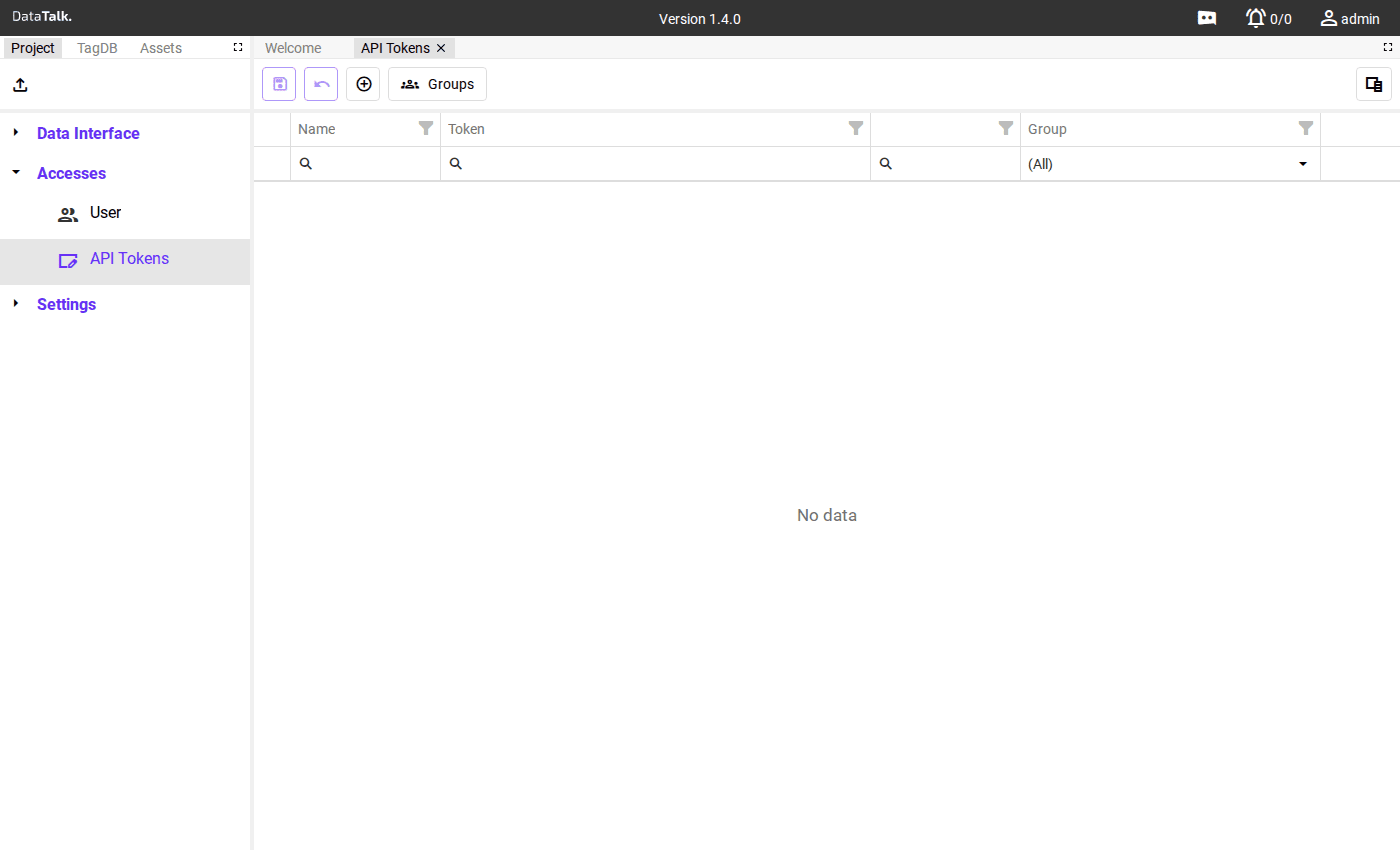
API Tokens provide machine-to-machine access to the gateway’s REST API. They are the right tool whenever an external system — an automation script, a cloud integration, a custom dashboard, a data pipeline — needs to read or write tag data programmatically.
For example: a Node-RED flow needs to read tag values every 30 seconds. You don’t want to embed your admin password in a Node-RED config file that might be backed up, shared, or checked into version control. Instead, create a token named node-red-reader, assign it a read-only group, and use that token in the flow. If the Node-RED instance is ever decommissioned or compromised, you revoke only that token — nothing else is affected.
Using tokens instead of user credentials means:
- Credentials are not embedded in code or configuration files
- Each integration has its own token that can be revoked independently — retiring one system doesn’t require changing passwords or touching other integrations
- Token permissions are controlled via groups — minimizing each integration’s access to what it actually needs
Exploring the API with Swagger UI
The gateway includes an integrated API server. To browse and test all available endpoints, open the Swagger UI in your browser — the runtime must be running for this to work:
http://localhost/apiv1/api-documentation/— when accessing from the gateway device itselfhttp://<IP ADDRESS>/apiv1/api-documentation/— when accessing from another machine on the network
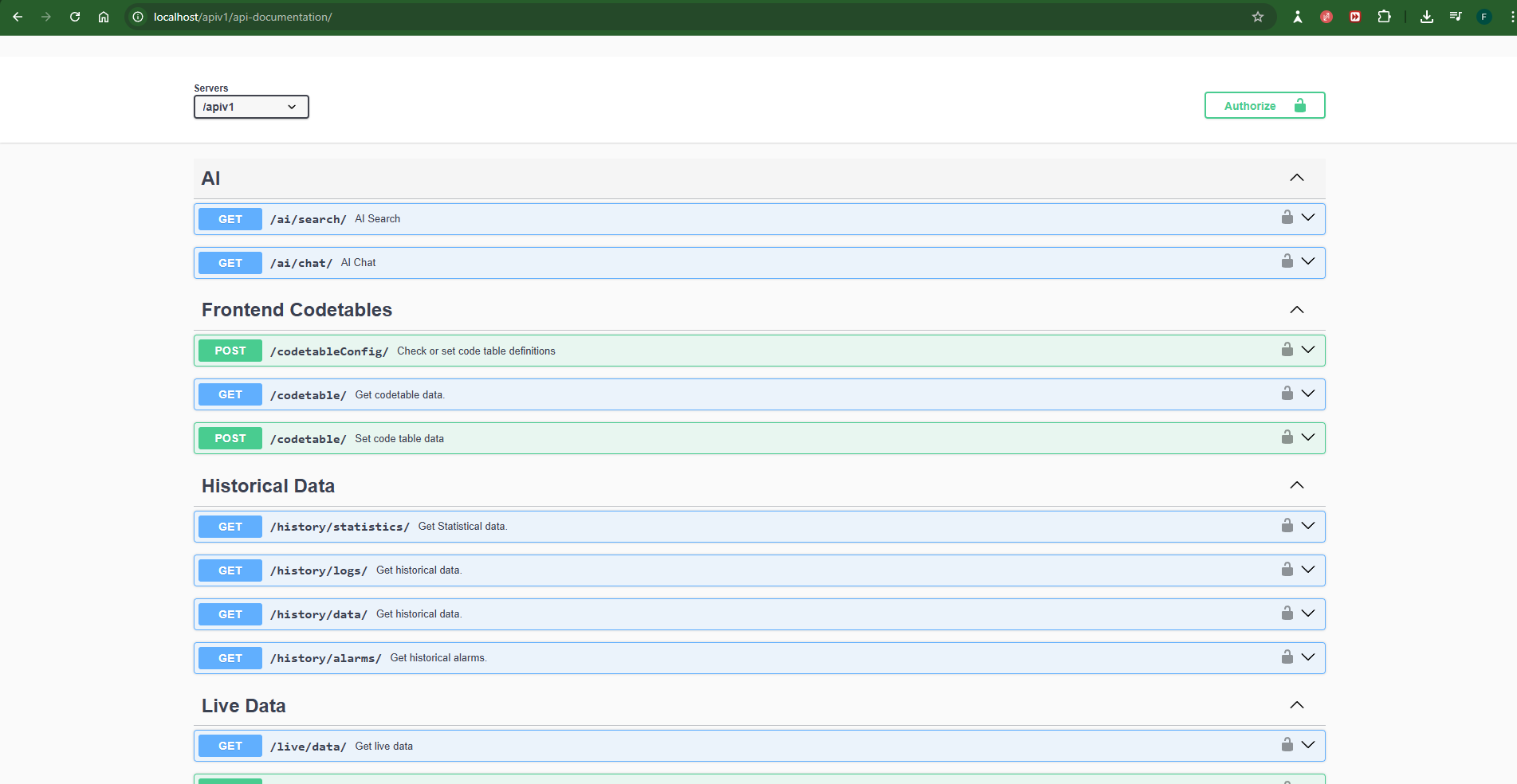
When testing endpoints in Swagger UI, provide your API token in the authorization section before making requests.
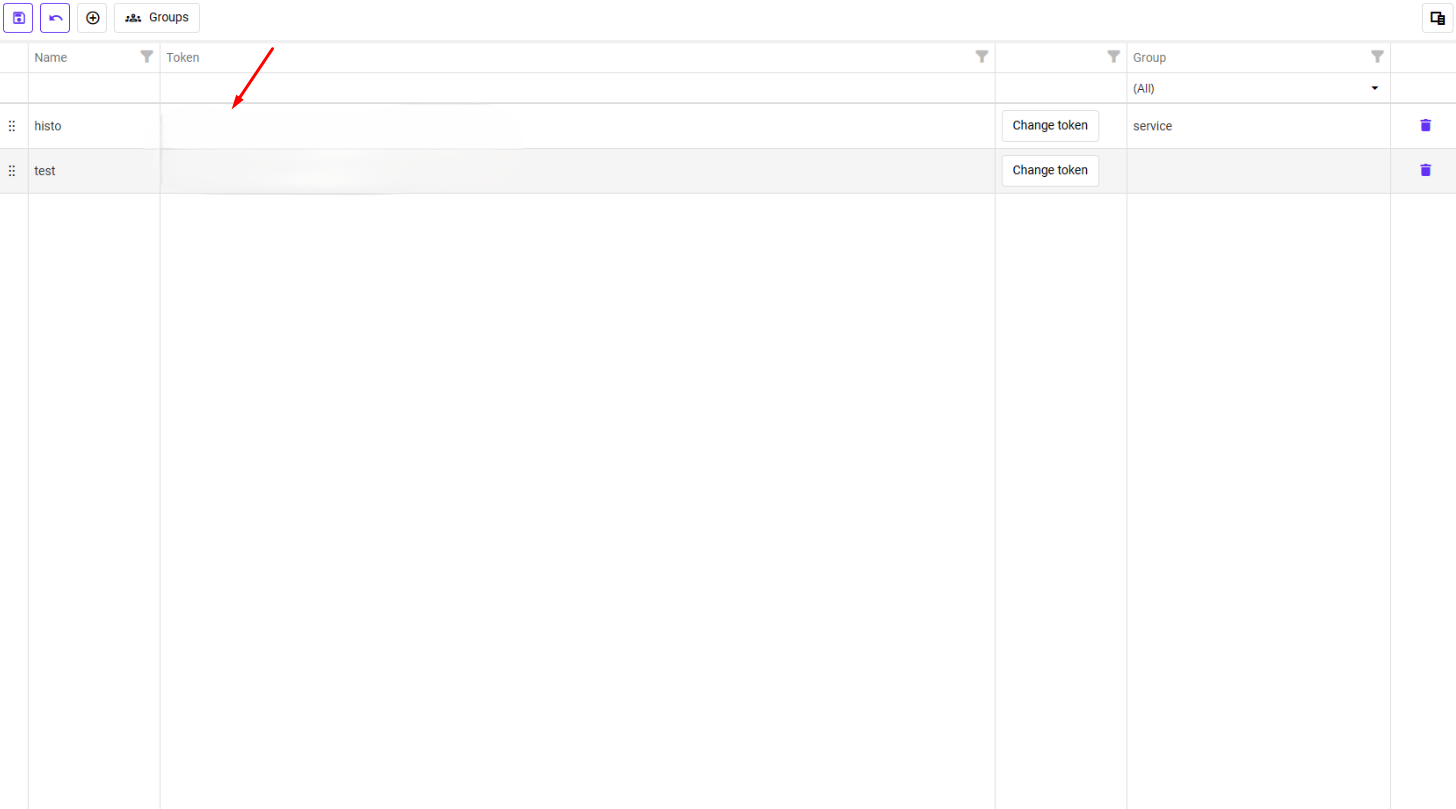
Token fields
Name — A descriptive label identifying the token’s purpose or the system using it (e.g., node-red-reader, azure-iot-bridge, grafana-dashboard).
Token — The secret bearer string. Displayed only once at creation — cannot be retrieved afterwards. Copy it immediately and store it securely.
Group — The permission group the token belongs to; determines which tags and operations the token can access. Assign the minimum group needed for the integration’s purpose.
Creating a token
Opens the token creation form.
Use a name that clearly identifies what system will use this token. Assign the minimum permission group needed — if the integration only reads data, use a read-only group rather than an administrator group.
The full token string is shown only once after creation. Copy it to your integration system or secrets manager right away. If you lose it, you must delete the token and create a new one — the gateway does not store the plaintext token.
Using a token
Include the token as a bearer credential in every API request:
GET /api/v1/tags/Pump1_Speed
Authorization: Bearer your-token-string-here
Replace Pump1_Speed with the full tag path as it appears in your Tag Database. The same Authorization header is required on every request — there is no session to maintain.
A token grants the same access as the group it belongs to. Store tokens in environment variables, a secrets manager (HashiCorp Vault, AWS Secrets Manager), or your CI/CD platform’s secrets storage. Never hard-code tokens in source code, configuration files, or anywhere that might be version-controlled or shared.
Create a separate token for each system that accesses the gateway. This way, if one integration is compromised or retired, you can revoke just that token without affecting others.