
Data Servers
Configure the built-in MQTT Broker that exposes live tag data to external clients.
On this page
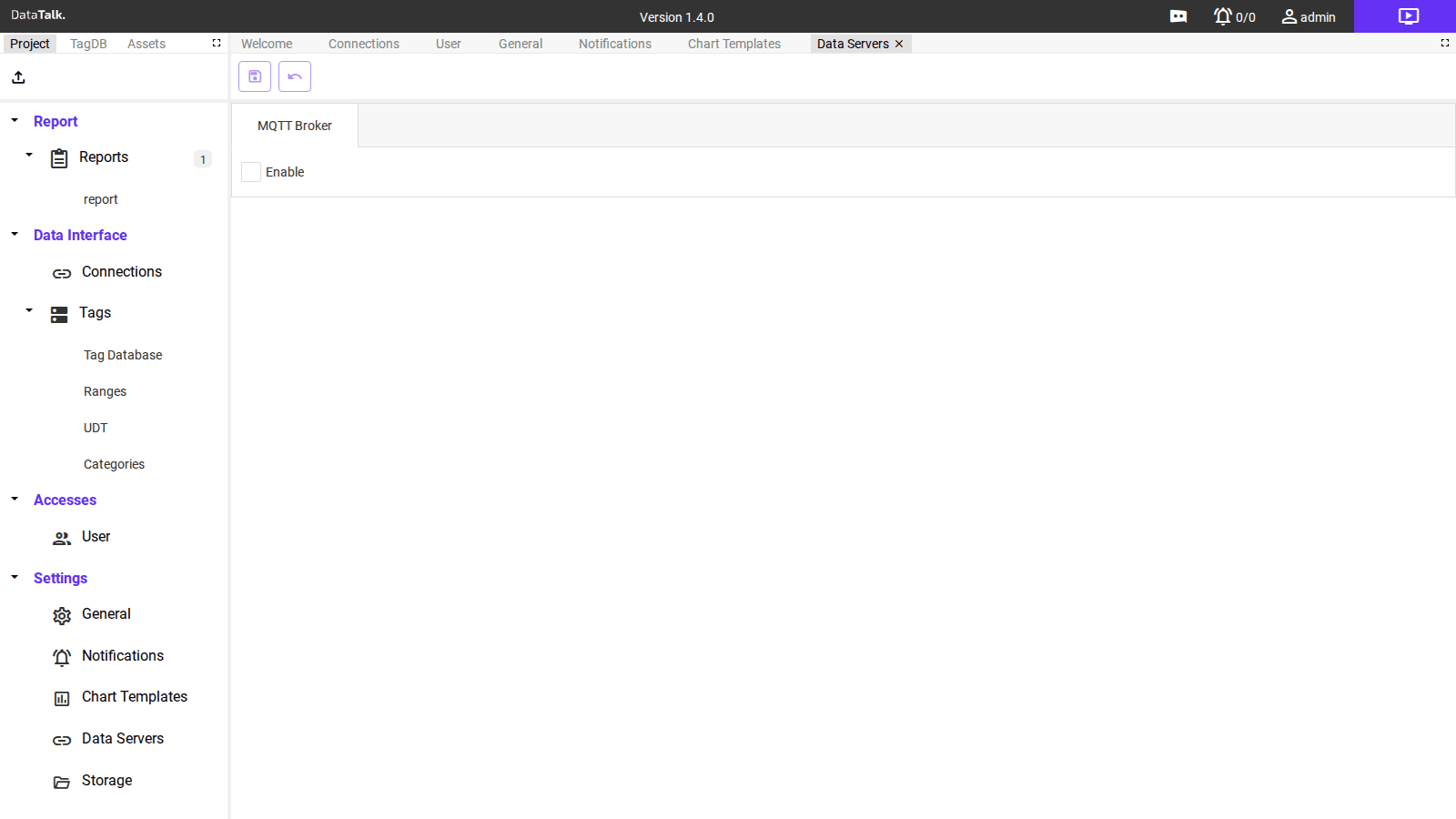
Data Servers configures passive outbound data publication. The MQTT Broker makes the application act as an MQTT message broker — external clients connect and subscribe to receive live tag values without any polling or active push configuration on the Connect, Log & Report side.
MQTT Broker
The built-in MQTT Broker publishes live tag values as MQTT messages. External MQTT clients — dashboards, cloud connectors, IoT platforms, SCADA systems — connect to this broker and subscribe to topics that carry live tag values.
Enable — Turn the broker on or off. Disabled by default; enable when external MQTT clients need to receive live data.
Once enabled, additional settings appear for configuring the port, authentication, TLS/SSL, and topic structure:
Port — The TCP port the broker listens on. Default is 1883 (unencrypted) or 8883 (TLS). Adjust if the default port conflicts with another service on the same host.
Authentication — Require connecting clients to provide a username and password. Enable this for any broker accessible beyond the local machine to prevent unauthorized clients from reading tag data.
TLS / SSL — Encrypt the broker connection using a certificate. Enable for any broker exposed beyond the local network segment.
Topic structure — Live tag values are published on configurable topic paths. The default structure includes the project name and tag name. Values update each polling cycle for subscribed tags.
The MQTT Broker here is the outbound passive server — external clients connect to it. The MQTT Client connection in Connections is the inbound driver — the application connects to an external broker to receive data from IoT devices. These are two separate and independent features.
Before integrating a SCADA system or cloud platform, verify broker connectivity with a simple MQTT client tool (MQTT Explorer, MQTTX). Subscribe to a tag topic and confirm values are updating. This confirms the broker is reachable and the authentication configuration is accepted before you invest time on the client side.