
Connections
Define communication channels to field devices using industrial protocols. Each connection feeds the tag polling engine and appears as a tile in the connection view.
The Connections page is the starting point of every project. A connection defines how the application communicates with one physical device or data source. Without at least one connection, the Tag Database has no data to work with.
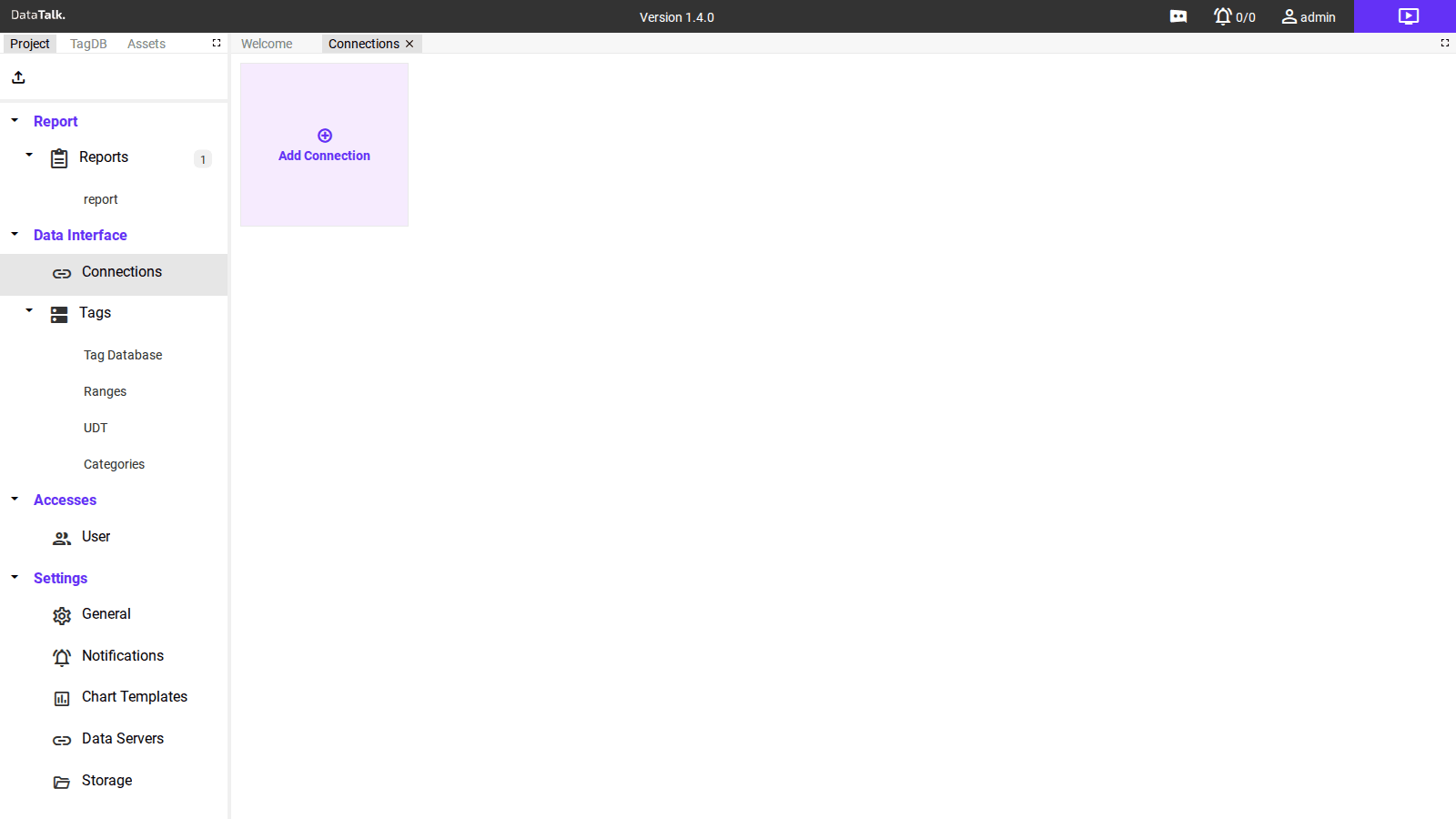
The page opens as a tile view. Each configured connection appears as a card showing its name, protocol, and live status. On a new project, only the Add Connection tile is visible.
Supported protocols
The most widely used industrial protocol. Connects to PLCs, energy meters, variable-speed drives, and sensors over Ethernet. Modbus TCP uses a reliable connection-oriented transport; Modbus UDP is faster and suits time-critical or simple read-only applications.
Both variants use the same addressing model — holding registers, input registers, coils, and discrete inputs — identified by function code and register number.
OPC UA (Unified Architecture) is a communication protocol developed by the OPC Foundation. It provides a browseable address space, so you can discover available data points directly from the application without knowing addresses in advance. Supports certificate-based authentication and encrypted sessions.
Native driver for Allen-Bradley and Rockwell Automation PLCs (ControlLogix, CompactLogix, MicroLogix). Communicates directly with the PLC’s tag database using CIP (Common Industrial Protocol) over Ethernet.
Optimized driver for Siemens S7-1200 and S7-1500 PLCs, which include an integrated OPC UA server enabling standardized data exchange without additional middleware. Supports TLS encryption, certificate-based authentication, and configurable access control.
MQTT (Message Queuing Telemetry Transport) is a lightweight protocol for IoT applications. The application acts as an MQTT client, subscribing to topics from an external broker using a publish/subscribe model.
This is the inbound MQTT connection — distinct from the built-in MQTT Broker under Settings, which publishes data outward.
Polls HTTP/REST endpoints on a configurable interval. Suitable for web services, cloud APIs, or any device that exposes data over HTTP. Supports GET requests with configurable headers and authentication.
Reads values from relational databases — MySQL, PostgreSQL, Microsoft SQL Server, and SQLite. Define SQL queries whose results map to tag values.
Virtual registers stored in the application’s own memory — no physical device required. Global Memory values persist between restarts; Local Memory values reset on restart.
Adding a connection
Click the Add Connection tile to open the connection setup dialog.
Choose the protocol that matches your device. The available parameter fields update automatically based on your selection.
Enter the required details — IP address, port, unit ID, polling interval, and authentication as needed. The exact fields depend on the chosen protocol.
Use a name that identifies the device and its location (e.g., Compressor_PLC, Energy_Meter_Hall_A). This name appears on the tile and in the Tag Database.
Click Save — the application begins polling immediately. Check the tile’s status indicator to confirm the connection comes online.
Connection status
Each tile shows a live status indicator. Online means the application is successfully exchanging data with the device. Offline means the device is not reachable — check network connectivity and device power. Error means the device responded but the request failed — review the connection’s IP address, port, unit ID, and protocol-specific parameters.
Managing connections
From any connection tile you can edit, duplicate, or delete the connection. Duplicating is useful when adding multiple devices with identical protocol settings and only different IP addresses.
All tags that belong to a deleted connection are permanently removed from the Tag Database. Document or export your tag list before deleting a connection.