
Settings
Overview of the DataTalk Manager Settings panel — eight configuration areas accessible after login.
The Settings panel is the central configuration area for the device running DataTalk Manager. It is accessible after logging in — click the ⚙ gear icon in the Settings row on the dashboard and enter your credentials.
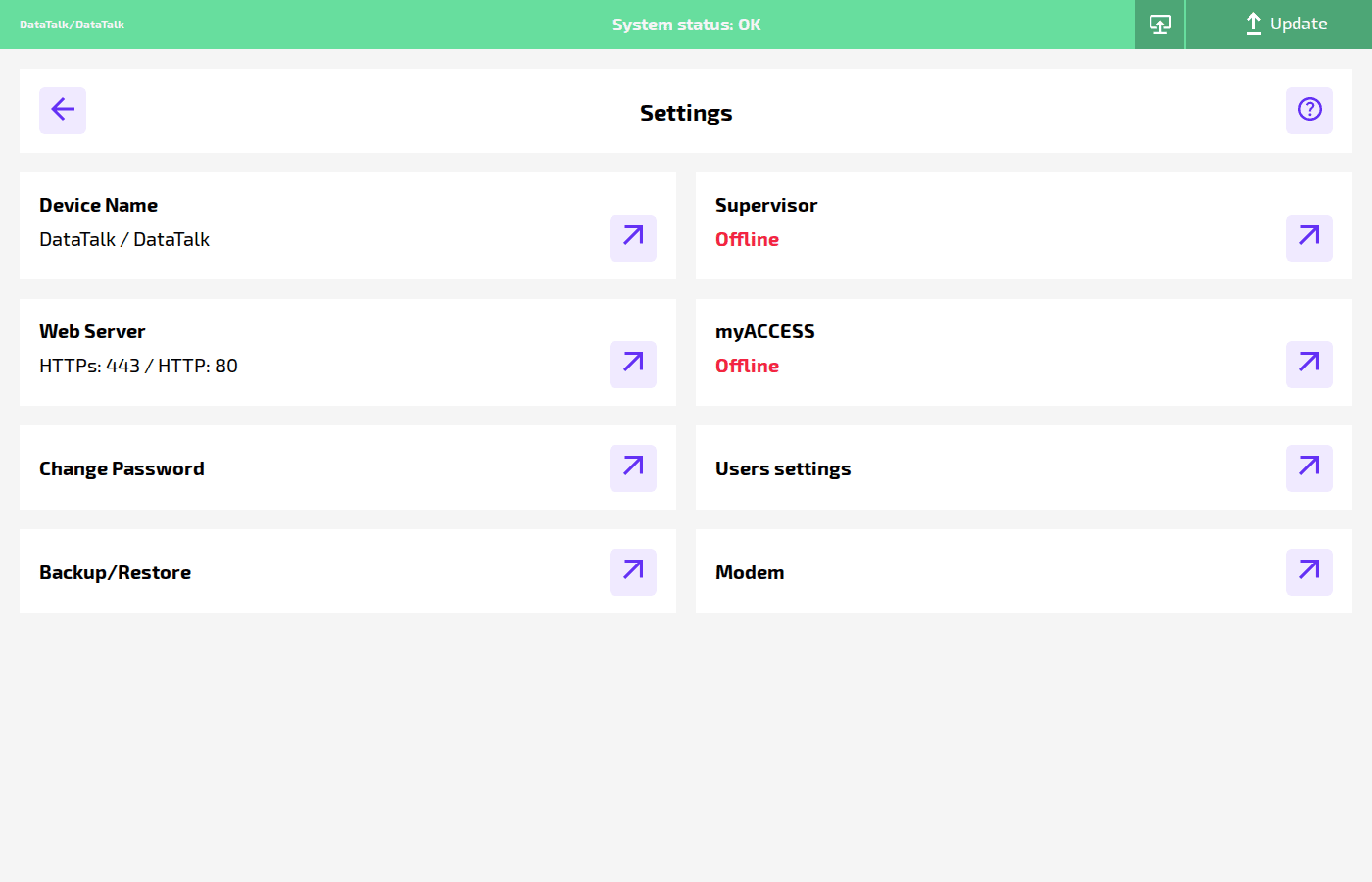
The panel contains eight areas, each opening as a separate page via the ↗ arrow button on the right of each row:
Device Name — set the device’s human-readable name and location label.
Web Server — configure the HTTP/HTTPS ports used to access the web interface.
Change Password — change the password for the currently logged-in user.
Backup/Restore — create, download, restore, and delete project configuration backups.
Supervisor — connect to a central Supervisor management platform for remote monitoring.
myACCESS — integrate with the DataTalk myACCESS remote access service.
Users settings — manage local user accounts and two-factor authentication.
Modem — configure the serial port used by an attached cellular modem.