
Device Name
Set the device's human-readable name and physical location label used throughout DataTalk Manager.
The Device Name page identifies this device within the DataTalk ecosystem. The name and location appear in the dashboard header and in any remote management tools connected to this device.
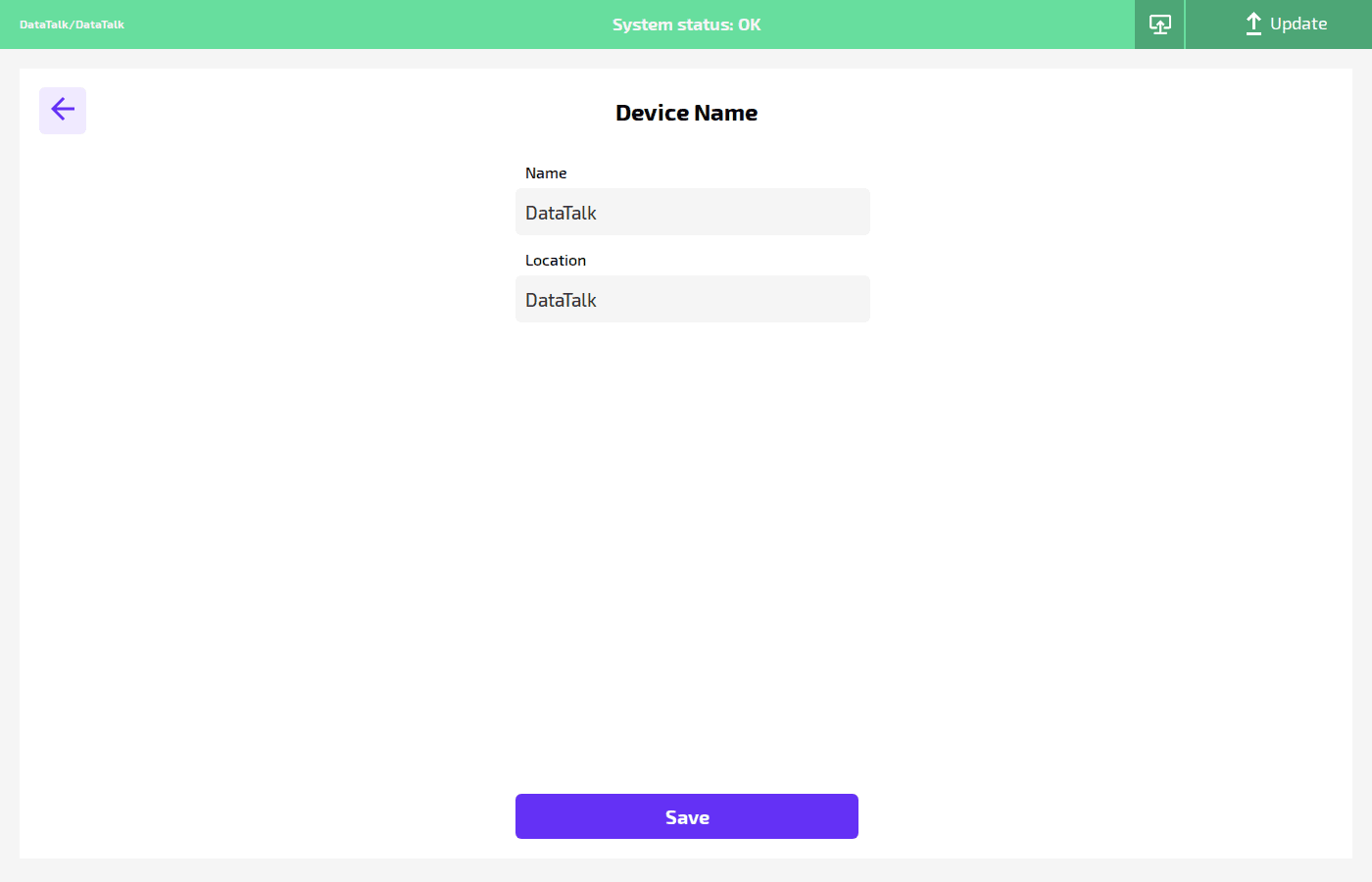
Name — the device’s human-readable name displayed in the dashboard header and in any remote management tools. Example: DataTalk.
Location — a free-text location label used to identify where this device is physically installed. Example: Plant A, Hall 3. This appears alongside the name in multi-device overviews.
Click Save to apply changes.