
Web Server
Configure the HTTP and HTTPS ports used to access the DataTalk Manager web interface.
The Web Server page configures the network ports on which the DataTalk Manager web interface is served.
Web Server settings can only be edited while the runtime is stopped. Opening this page while the runtime is running shows a confirmation dialog asking whether to stop the runtime first.
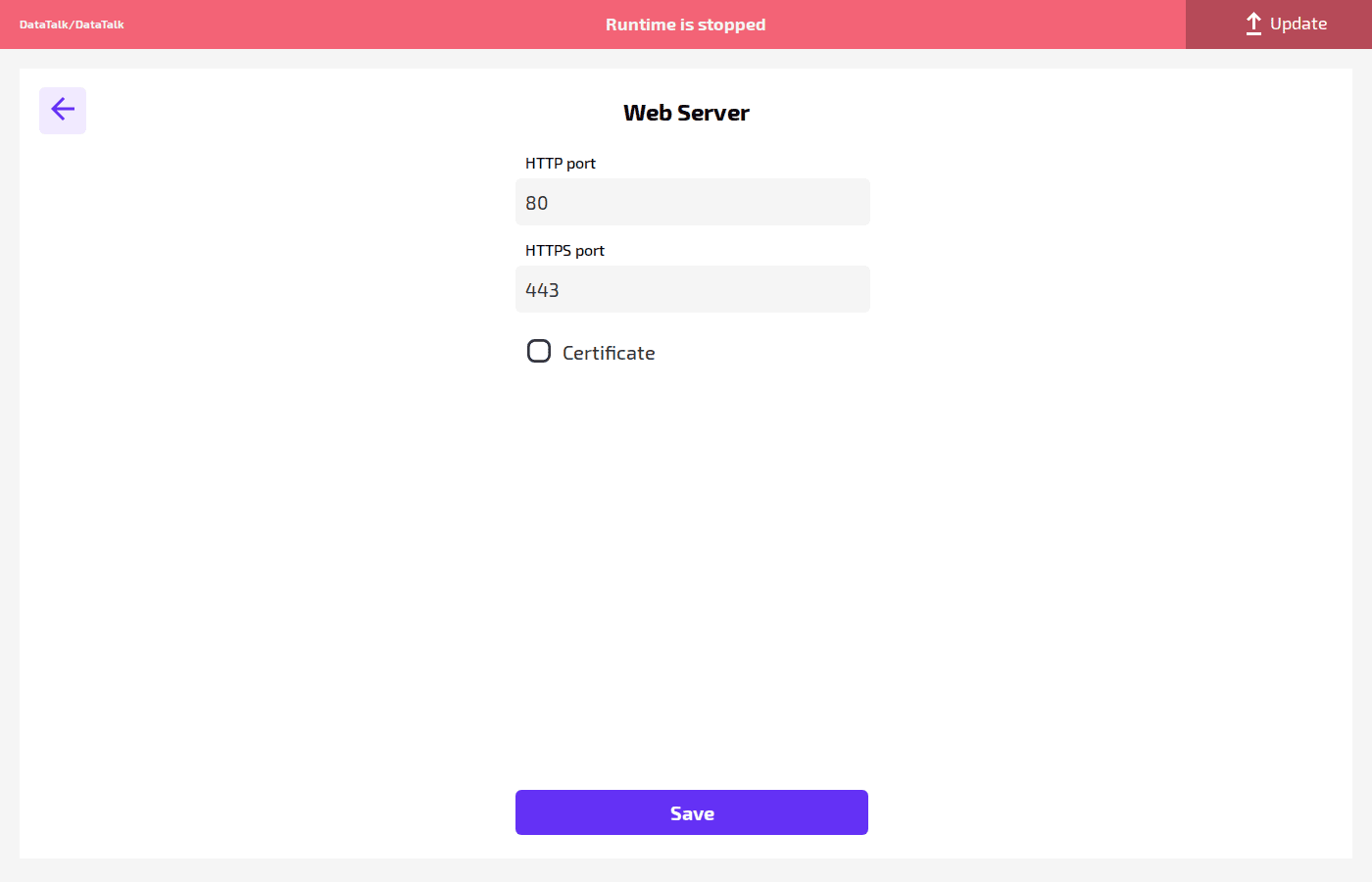
HTTP port — the port on which the unencrypted web interface is served. Default: 80. Change this if port 80 conflicts with another service on the device.
HTTPS port — the port for the encrypted (TLS) web interface. Default: 443.
Certificate — enable this checkbox to use a custom TLS certificate for HTTPS instead of the built-in self-signed certificate. When enabled, a file picker appears to upload the certificate bundle.
Click Save to apply. The web server restarts on the new ports; reconnect using the updated address after saving.