
Change Password
Change the password for the currently logged-in DataTalk Manager user account.
The Change Password page lets the currently logged-in user update their login password.
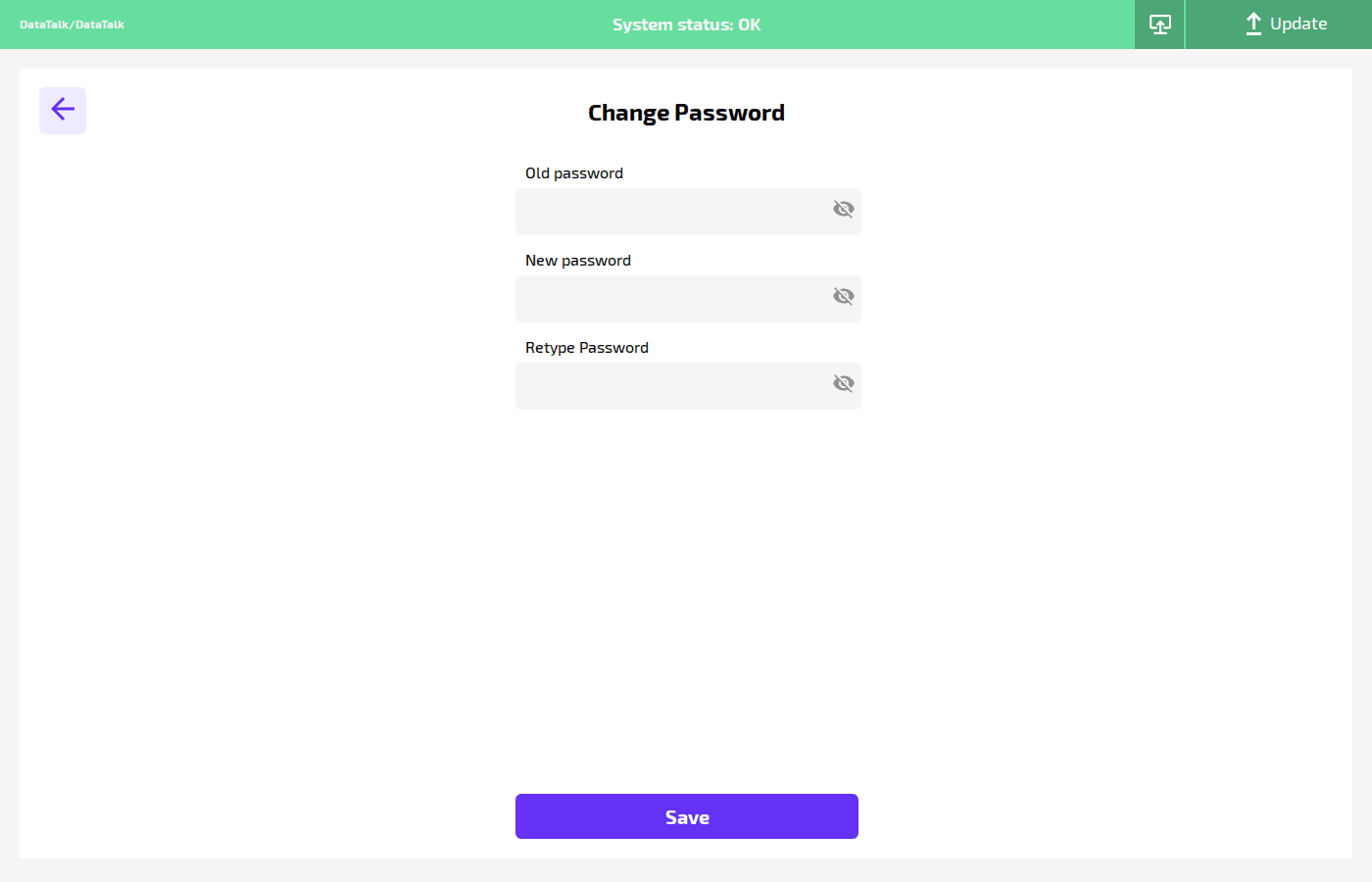
Old password — the current password for verification.
New password — the new password to set.
Retype Password — confirmation field; must match New password exactly.
Click Save to apply. The new password takes effect immediately on the next login.