
myACCESS
Integrate with the DataTalk myACCESS remote access service for secure remote connectivity without a VPN or public IP.
The myACCESS page integrates this device with the DataTalk myACCESS remote access service. myACCESS provides secure remote access to the device without requiring a VPN or a public IP address.
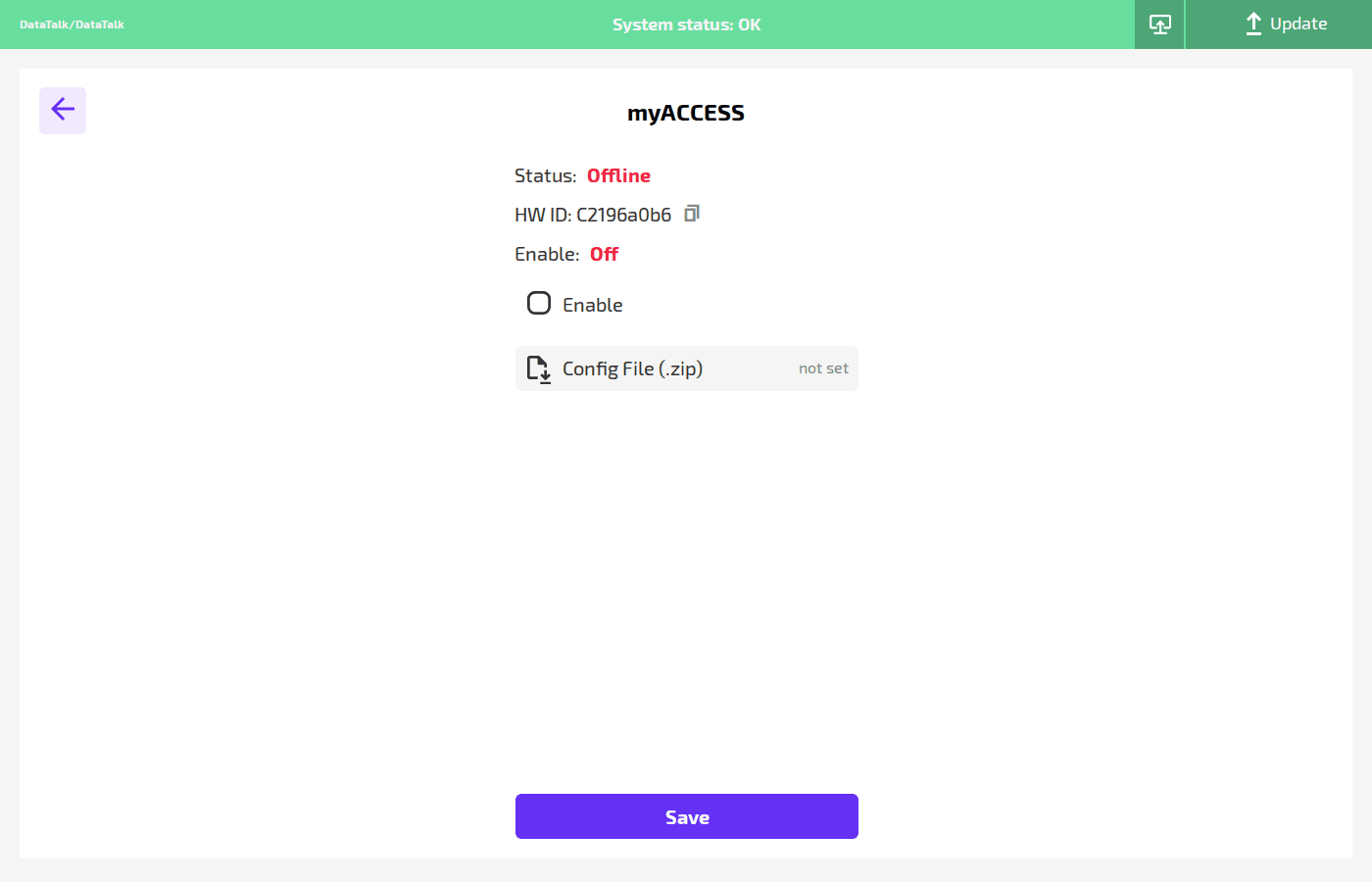
Status — current connection state: Online (connected to myACCESS cloud) or Offline (not connected).
HW ID — the hardware identifier of this device, used during myACCESS registration. Click the copy icon to copy it to the clipboard.
Enable — toggle to activate the myACCESS agent. Set to On to establish a persistent connection to the myACCESS service.
Config File (.zip) — upload the myACCESS configuration package obtained from the myACCESS portal after registering this device. The config package contains the device certificate and connection parameters.
Click Save to apply. After enabling and uploading the config file, the status changes to Online once the connection is established.