
Users settings
Manage local user accounts, permission groups, and two-factor authentication for DataTalk Manager.
The Users settings page manages local user accounts that can log in to DataTalk Manager.
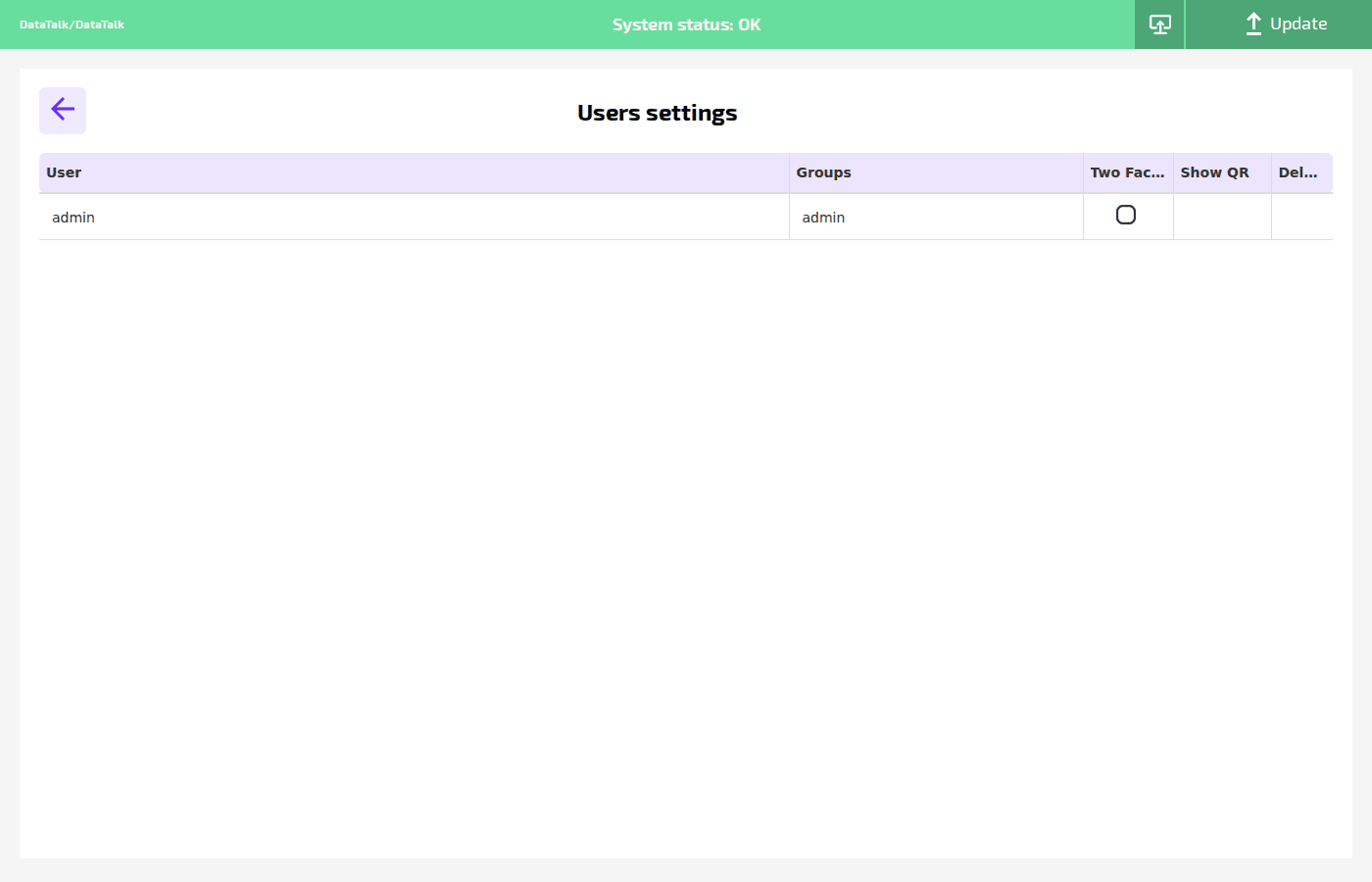
Each row represents one user account with the following columns:
User — the username used to log in.
Groups — the permission group this user belongs to. The default group is admin, which has full access to all Settings.
Two Factor — checkbox to enable two-factor authentication (2FA) for this user. When enabled, the user must enter a TOTP code from an authenticator app in addition to their password at each login.
Show QR — displays the QR code for configuring 2FA in an authenticator app such as Google Authenticator or Authy. Only visible when Two Factor is enabled for the user.
Delete — removes the user account permanently. The admin account cannot be deleted.
New users are added via the Register New User link in the login dialog on the dashboard.