
Settings
Configure device name, ports, password, backup/restore, myACCESS, user management, and system time in DataTalk IPC Manager settings.
On this page
The Settings section provides essential configuration options for managing passwords, ports, and enabling remote access to your DataTalk runtime.
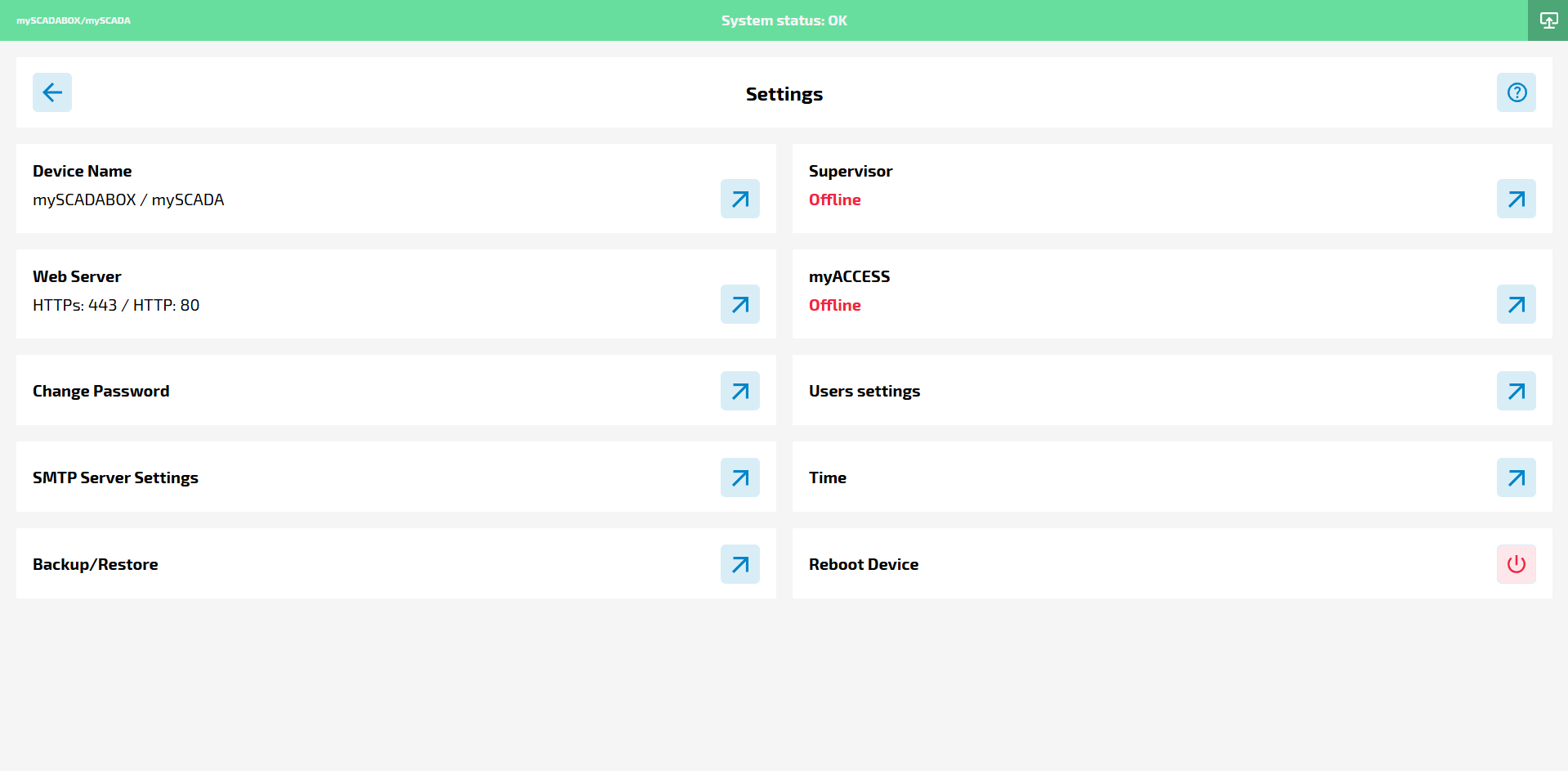
Key Features
Device name specification
- By default, the device name is set to DataTalkIPC, which is the name that will be shown as well as the active host name
Port Configuration
- By default, the device name is set to DataTalkIPC, which is the name that will be shown as well as the active host name
Change Password
- Allows the user to change their own password
Backup/Restore
- Allows user to create a backup / restore file for the DataTalk Manager config - network etc…
Supervisor
- COMING SOON!
myACCESS Service
- Provides the option to enable myACCESS, a service that connects the DataTalk runtime to a remote server.
- Once enabled, a unique link is generated, allowing access to the runtime from any location with an internet connection.
- If myACCESS is not enabled, the DataTalk runtime remains accessible only within the local network.
Runtime must be running
This service requires the DataTalk runtime to be running.
User settings (User management)
- Allows users with the administrator role to manage other users
2FA QR code is mandatory
If you enable 2FA for a user, you must scan the QR code into an authenticator app (such as Google Authenticator) at the time of user creation. If you skip this step, you will not be able to access the application.
Time (System time)
- System time settings - it allows user to specify / change the timezone and system time settings - please keep in mind that these settings have to be correct - set to be approximately the same as the device time that uses 2FA authentication for proper working conditions
This section ensures flexibility in security and connectivity, offering both local and global access options for the DataTalk environment.