
First-Time Setup
Default network settings after unboxing DataTalk IPC and how to reach the DataTalk Manager web interface for the first time.
After you unpack DataTalk IPC, mount the antenna, and attach the power connector to the proper 9-36V DC power supply, the system’s default network settings will be:
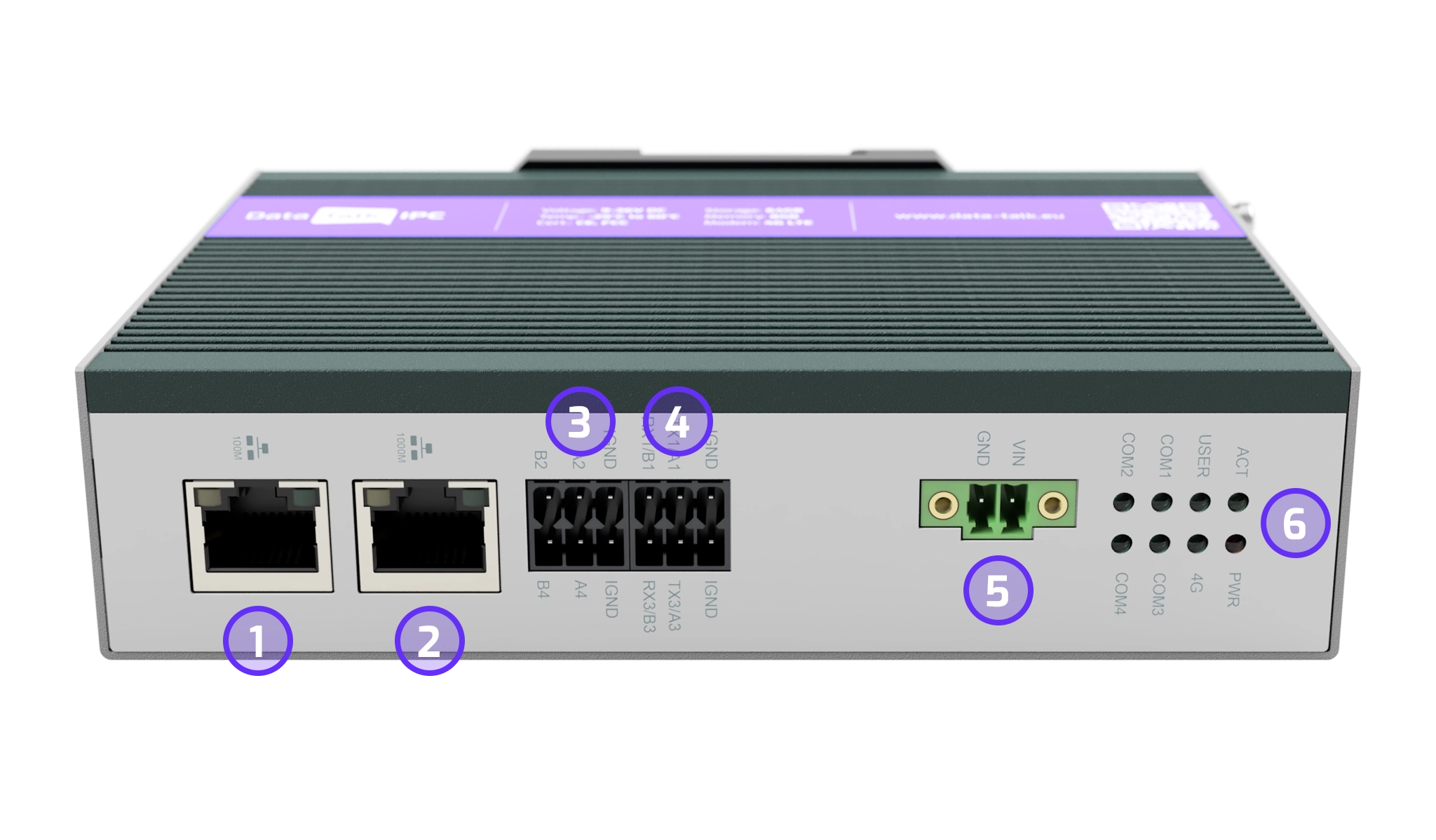
ETHERNET PORT 2 is by default set to DHCP, which means it will take IP from your DHCP server.
ETHERNET PORT 1 is by default set to IP: 192.168.1.1 — on this port a DHCP server is also running.
If you plug your laptop into Ethernet Port 1, it will receive an IP address automatically in the same range. You can then directly access DataTalk Manager at 192.168.1.1:34023 to adjust network settings.
DataTalk Manager is always available on all interfaces on port 34023, unless you define otherwise in the firewall settings.
The HMI runtime is by default available on HTTP port 80 and HTTPS port 443 — e.g. http://192.168.1.1:80.